Before starting
- You can restore a group if it was deleted less than 30 days ago. After that time, it is no longer possible to recover it.
- When restoring, contacts that were associated with this group at the time of deletion and that are still subscribers to your account will be added back to it.
- Contacts that have been deleted, unsubscribed or detected as an incorrect address will not be restored to the group, so the number of contacts in your group may have decreased since it was deleted.
- The number of contacts associated with deleted dynamic groups is not available, as this is based on search criteria. It will be recalculated when the group is restored.
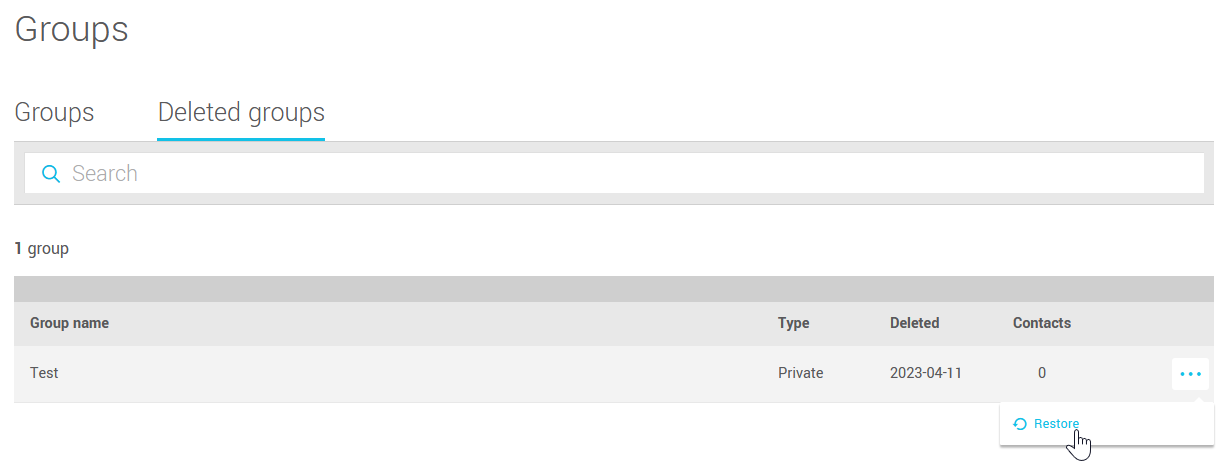
How to restore a deleted group
Go to the menu and open the Deleted groups tab. Then open the action menu located to the right of the deleted group. Select the Restore option and then confirm the action.